Genderize in n8n
n8n is a workflow-automation platform — self-hosted or n8n Cloud — that connects apps and services into automated pipelines. The Genderize node is a verified community node maintained by Demografix.
- Listing: n8n.io/integrations/genderize
- Source: github.com/DemografixGenderize/n8n-nodes-genderize
- Action: Get Gender — input a name (and optional country), output gender, probability, and count.
Add the node
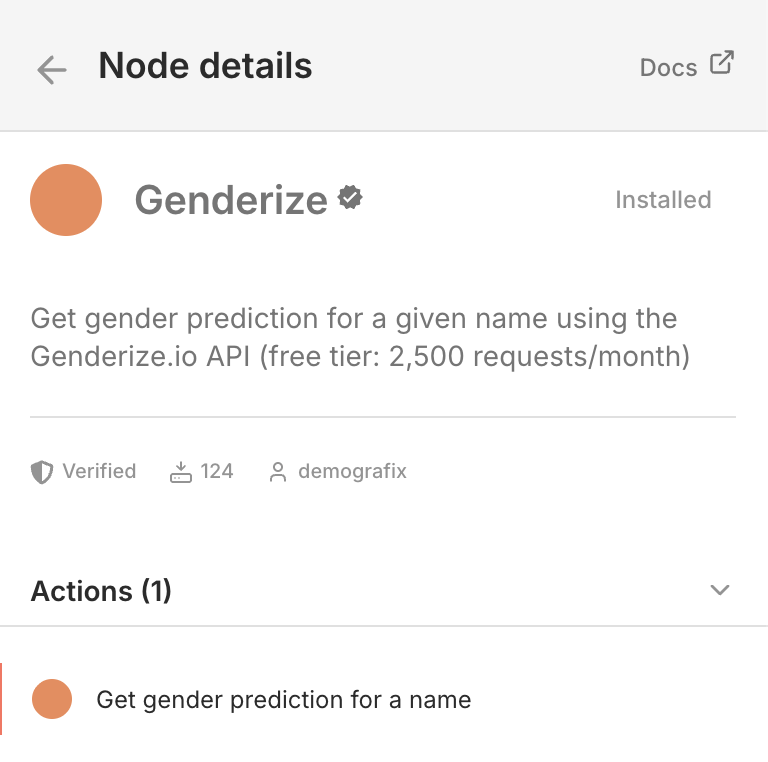
Genderize ships as a verified community node, so it appears in the standard node picker on n8n Cloud and recent self-hosted versions — no install step.
In the workflow editor, click +, search for Genderize, and drop the node onto the canvas.
Add your API key
Open the node, click Credentials → Create New Credential, paste your API key from your dashboard, and save.
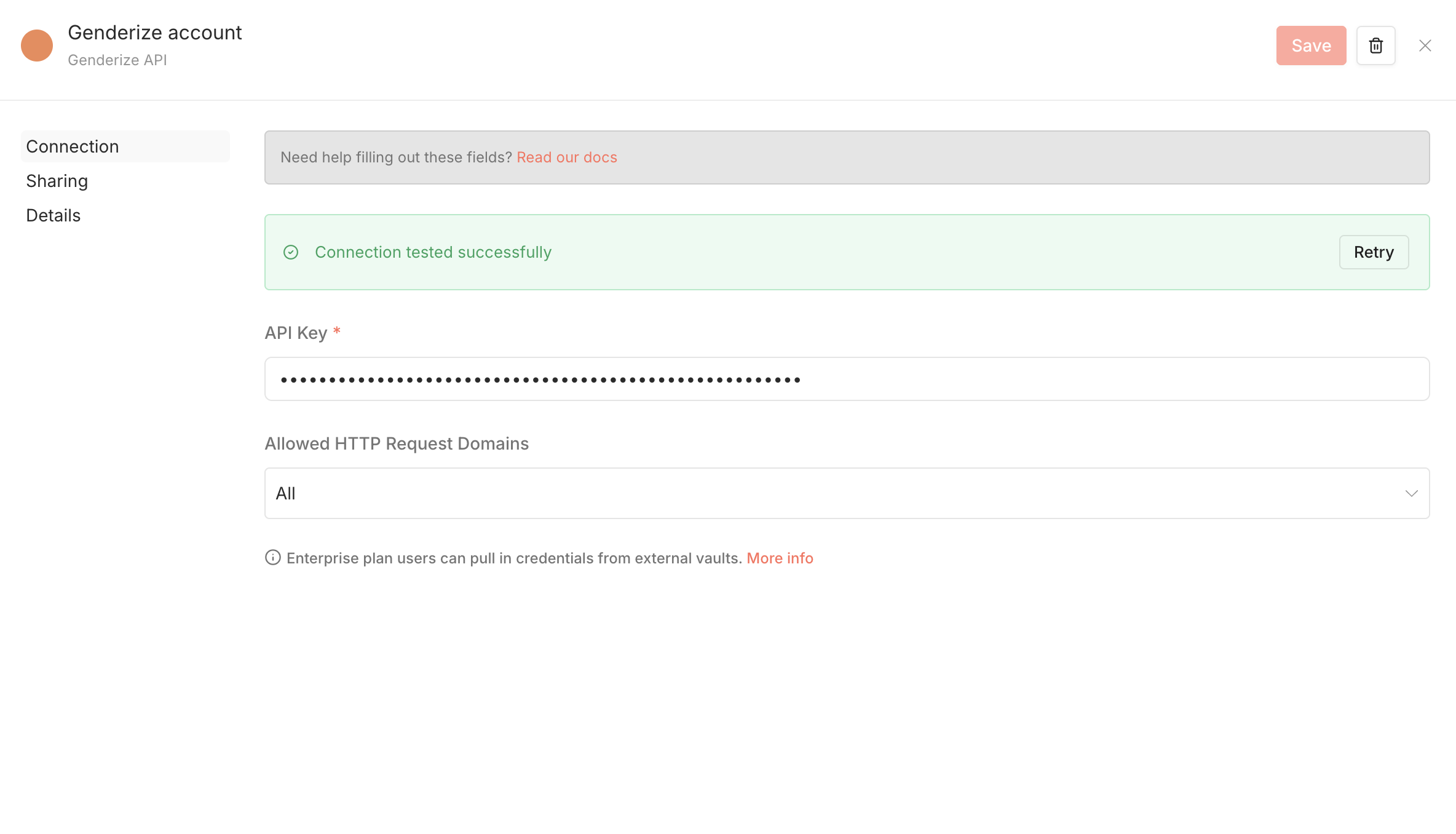
Credentials are stored encrypted in your n8n instance and reused across workflows.
Example workflow: enrich incoming form submissions
A common pattern: a form submission arrives, you extract the first name, predict gender, and write the result to a database or downstream tool.
- Trigger node — webhook, Typeform, Airtable Watch, or whatever produces the name.
-
Genderize node
— set Name
to
{{ $json.first_name }}(or the field that holds the name). Optionally set Country to a two-letter ISO 3166-1 alpha-2 code. - Downstream node — write the result anywhere. Examples: append a row to a Google Sheet, update an Airtable record, post to Slack, store in Postgres.
Screenshot · n8n-workflow-form-to-sheets-genderize
The Genderize node returns a JSON object the next step can read with
{{ $json.gender }}, {{ $json.probability }}, and
{{ $json.count }}.
Example workflow: branch on confidence
For data quality, route low-confidence predictions to a manual review queue.
- Trigger node.
- Genderize node — predicts gender.
-
IF node
— condition
{{ $json.probability }}≥0.9. - True branch — write the prediction to your primary destination.
- False branch — send the row to a review queue (a Slack channel, an Airtable view, a separate Google Sheet).
This pattern makes the prediction's uncertainty visible upstream rather than burying low-confidence rows in your main dataset.
Quota and rate limits
Each node execution consumes one name from your monthly Genderize quota. Batched workflows that process many names through the node deduct one per name. The node respects the same
X-Rate-Limit-*
headers as the API; n8n's retry-on-fail behavior handles transient throttling automatically.
See pricing for tier limits.
Troubleshooting
| Symptom | Cause | Fix |
|---|---|---|
| 401 Invalid API key | The credential holds an outdated key. | Open the credential, paste a fresh key from your dashboard, save. |
| 429 Request limit reached | Monthly quota exhausted. | Upgrade or wait for the window to reset. |
| Node returns gender: null | The name has no prediction in the underlying dataset. | Expected for very rare names. Treat null as "unknown" downstream. |