Spreadsheet enrichment
Upload a spreadsheet, pick the columns to add (gender, age, nationality, or any combination), download the enriched file.
Supported formats
CSV (.csv), TSV (.tsv), JSON (.json), JSON Lines (.jsonl, .ndjson), Excel (.xlsx, .xlsm, .xls). The output uses the same format as the input. Column order does not matter.
Walkthrough
The tool requires a Demografix account.
-
01
Upload a file
Drop a file onto the upload zone, or click to browse.
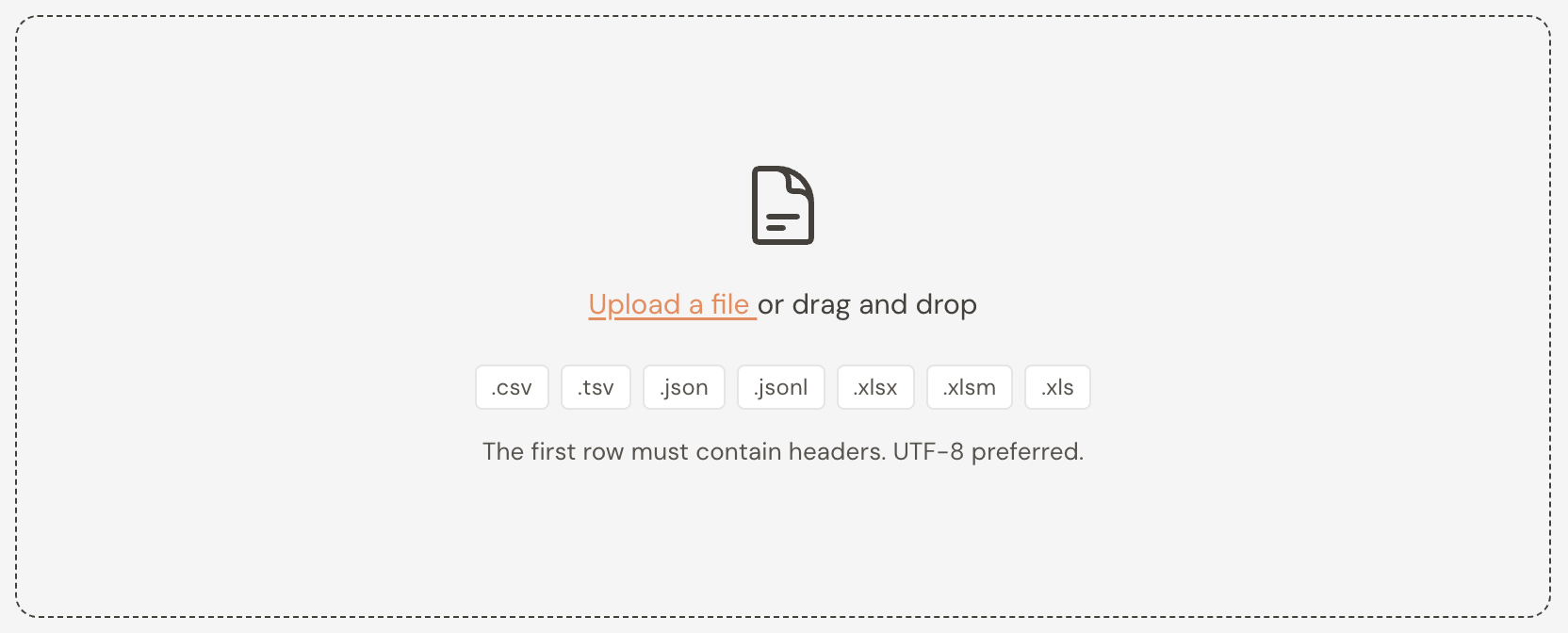
The upload zone with a file being dragged onto it. -
02
Pick the name columns
Gender and Age require a first or full name. Nationality requires a last or full name. Pick the column or columns to match.
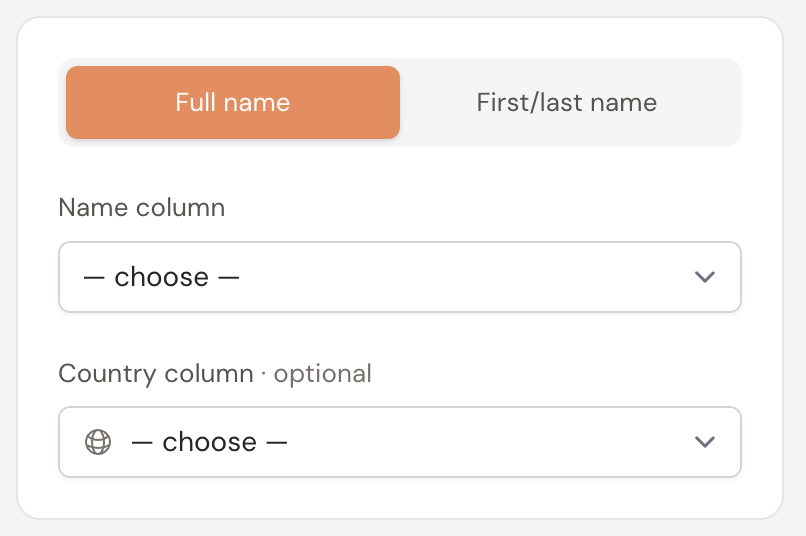
The input-mode toggle and column pickers. -
03
Optional: pick a country column
When the file has a per-row country code, pick that column. Genderize and Agify scope predictions to that country.
Use two-letter ISO 3166-1 alpha-2 codes.
-
04
Toggle outputs
Enable the services you want and pick the fields each one appends.
Service Input Available outputs Gender First or full name gender,probability,countAge First or full name age,countNationality Last or full name country,probability,count(one row per top-N candidate, up to five)Screenshot · spreadsheet-tool-output-toggles
The three output toggles, expanded, showing per-service fields. -
05
Classify and download
Click Classify.
Download the enriched file when the run finishes. The prediction columns are appended to the original columns.
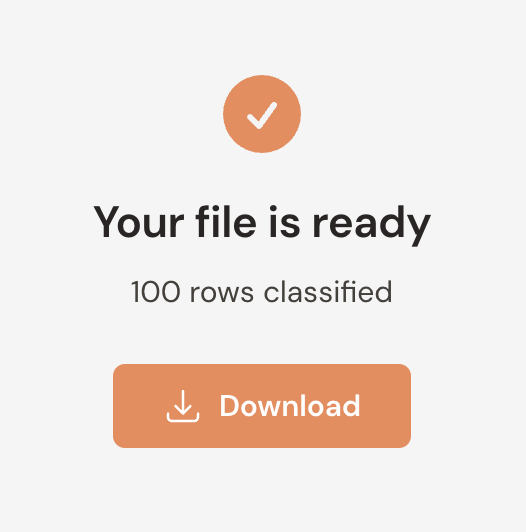
The completion screen with a Download button.
Quota cost
Each prediction in the output counts as one name against your monthly quota. A run costs rows × active services. A 10,000-row file with gender, age and nationality enabled consumes 30,000 names.
Runs that would exceed your quota do not start. When a service hits its cap mid-run, the partial output remains downloadable. Re-run on the unprocessed rows after the quota resets or after upgrading.
File formats
Every format needs a header row with non-empty cells and at least one data row. Files up to 50 MB are accepted. Text files should be UTF-8; UTF-16 and Windows-1252 are accepted as fallbacks.
CSV and TSV
- Use a comma, semicolon, tab, or pipe as the delimiter, consistently throughout the file. TSV files always use tab.
-
Wrap a field in double quotes if it contains the delimiter, a quote, or a line break. Escape an inner quote by doubling it (
""). - Each row must have the same number of columns as the header.
JSON
-
The top level is either an array of objects (
[ {…}, {…} ]) or an object with a singledatakey ({ "data": [ {…} ] }). - Each row is a JSON object. Use the keys you want to act as column names.
-
Rows can have different keys — the column list is the union of all keys. Missing keys come out as
null. - Nested objects and arrays inside a cell are preserved as-is.
JSON Lines and NDJSON
- One JSON object per line.
- Comments are not supported.
-
If your file is a single JSON array, save it as
.jsoninstead.
Excel workbooks
- Only the first sheet is read. Move the relevant sheet to the front before uploading.
-
Formulas are evaluated to their cached value. Cells showing
#REF!,#N/A, or similar errors come out asnull. - Remove any password or encryption before uploading.